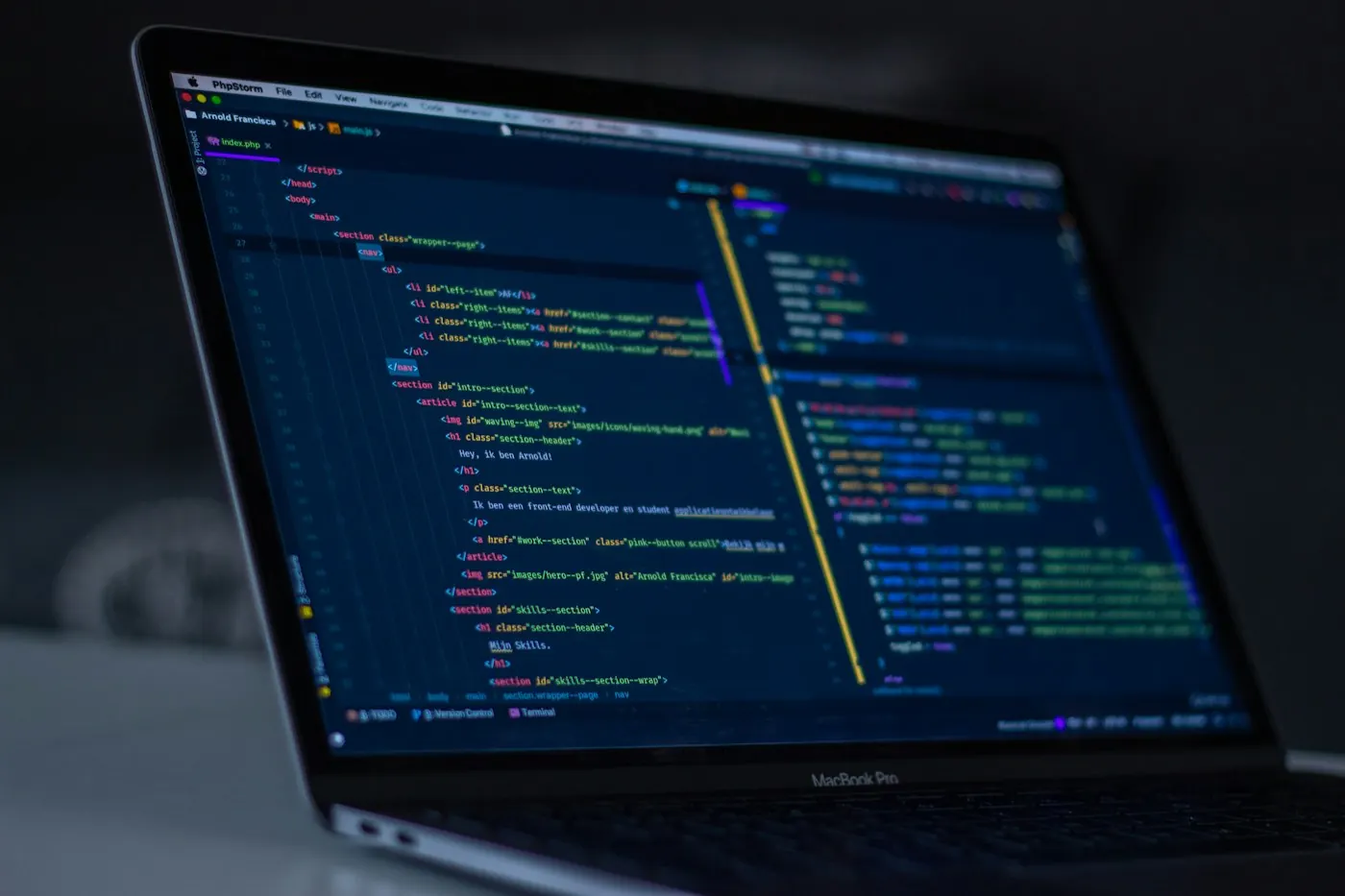
A familiar online reference may be unavailable during travel, in a quiet workspace, or when the connection is interrupted. The important detail is sometimes needed precisely when reaching it becomes inconvenient.
Use the tool’s supported save or download option for material you are allowed to keep. Check that the saved version includes the information you need, since a link or a thumbnail may not contain the full reference.
Keep the copy identifiable and consider whether its content can become outdated. A useful offline reference has a clear purpose and enough context to recognize its limits. Preparation works best for a small set of likely needs.
A small working example.
Consider saving a manual needed in a room with an unreliable connection. The useful copy includes the relevant section and enough context to recognize it.
A note to keep beside it.
Look at the agreement behind a shared space. A simple explanation of ownership and next steps can prevent a small ambiguity from becoming repeated work.
- Identify the reference you may need offline.
- Check the saved content itself.
- Keep its source and age visible.
Follow a related question
Inspect the information attached to a sample file.
The details a file carriesUse one easy landing place.
An inbox for informationKeep learning
Related background to continue exploring this subject.
Mozilla: using bookmarks Mozilla: backing up and restoring browser data